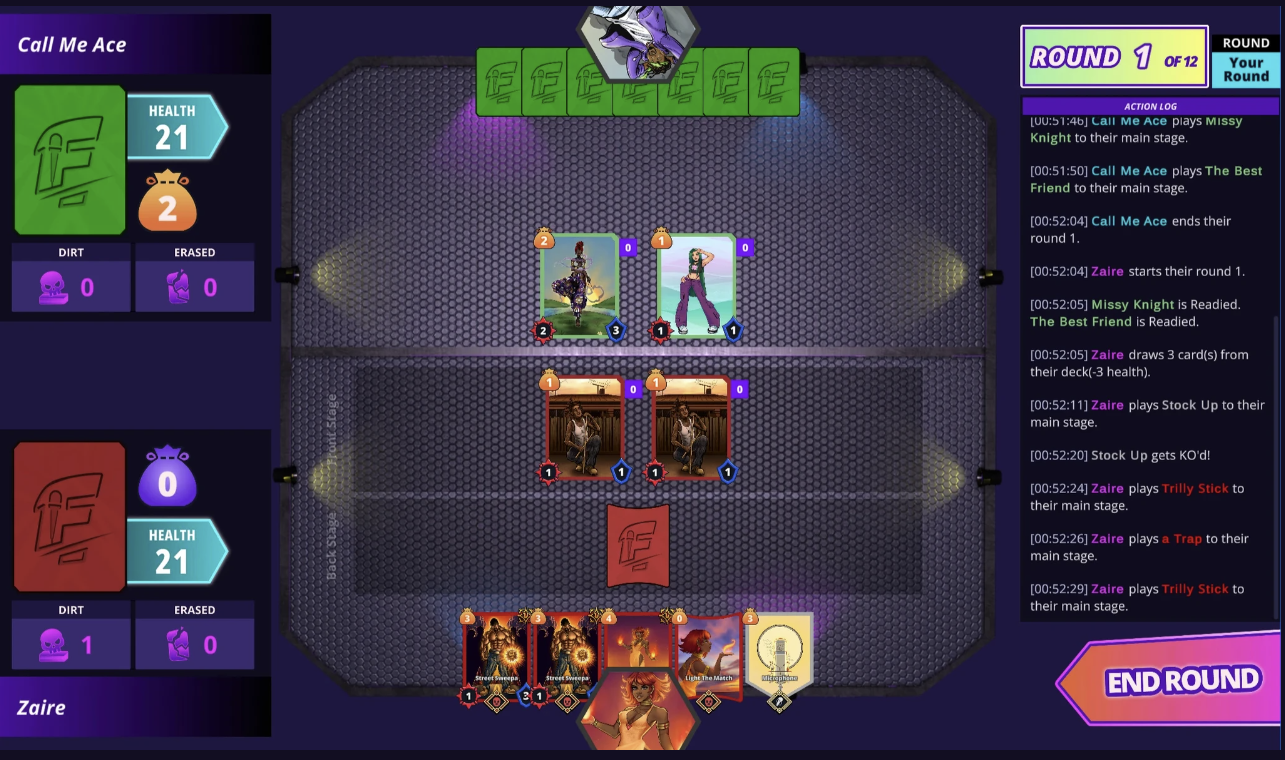
Five Mics is a hip-hop inspired trading card game that connects physical play with a digital client. I own the Unity client, the server-authoritative flow, and the card-authoring pipeline.
Main problems I solved:
Game / Client
Backend
Build / Hosting
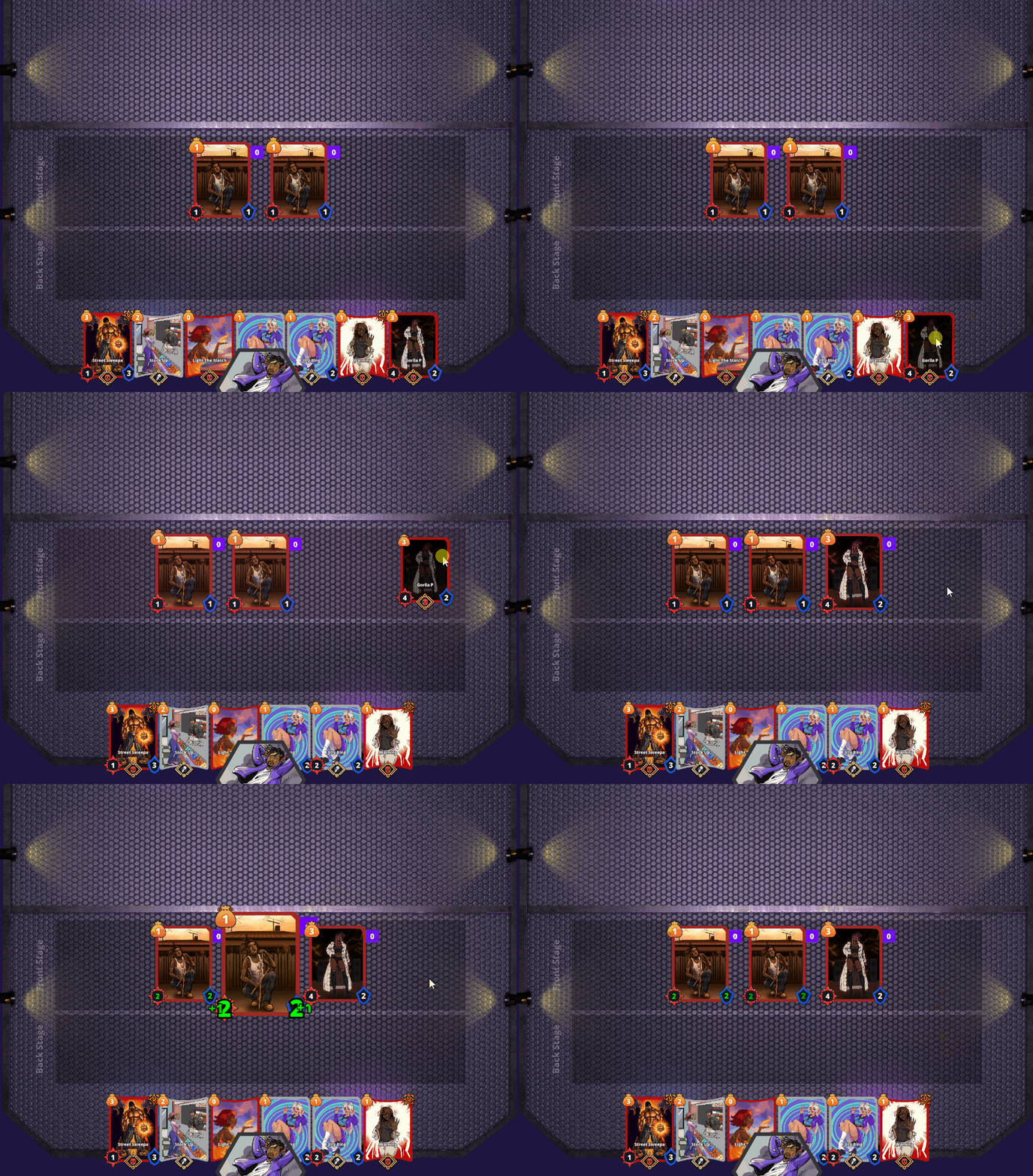
Every card ability follows the same pattern: an event happens, we pick targets, we run actions. That’s what lets designers make complex effects just by filling out fields.
Core ScriptableObject types:
Below is the actual structure used in-game:
[Serializable]
  public class CardAbility
  {
      public AbilityModifierType GetActivatorType; // e.g., category/activator mode
      public List<StateEventTrigger> StateEventTriggers = new();
  }

  [Serializable]
  public class StateEventTrigger
  {
      public StateEventTypes StateEventType;                 // Card/Game/Player/Action-based
      public string GameStateEventTrigger;                   // event asset name (game)

      public string FilterForCardsThatTriggerName;           // TargetFilterSO name
      public string ParamsKey;                               // param namespace

      public List<ActionFilterPair> ActionFilterPairs = new();
  }

  [Serializable]
  public class ActionFilterPair
  {
      public CardActionSO CardAction;
      public bool UseFilter;
      public TargetFilterSO TargetFilter;

      public bool UseActionCondition;
      public CardAbilityConditionSO Condition;

      public bool IsSkippable;
      public bool IsChainedAction;
  }
All of these expose parameters through a shared interface, so the Inspector can draw them.
  public interface IParamProvider
  {
      ParameterDefinition[] GetParamDefs();
  }

  public sealed class ParameterDefinition
  {
      public string Key;               // e.g. "TargetCount"
      public ParamFieldType FieldType; // Int/Float/Bool/String/Enum/ScriptableObject
      public ParamValueSource ValueSource;
      public object DefaultValue;
      public string Description;
  }
Instead of one giant “ability runner,” abilities respond to game/card/player state changes. When the game says “turn started” or “card entered play,” the matching triggers run.
Flow:
- State manager broadcasts an event
- Triggers that care about that event fire
- Filters pick targets, conditions check rules
- Actions execute (and can chain)
This keeps the system modular and easy to extend.
Clients never “force” game state. They ask; the server checks; the server updates everyone. That prevents cheating and desyncs.
public class CardPlayHandler : NetworkBehaviour
  {
      // CLIENT — player wants to play a card
      [Client]
      public void RequestPlayCard(int cardId, int targetId)
      {
          ServerPlayCard(cardId, targetId);
      }

      // SERVER — validate + run gameplay
      [ServerRpc]
      private void ServerPlayCard(int cardId, int targetId)
      {
          var player = GetPlayerFromConnection();
          var card = GameState.GetCard(cardId);
          var target = GameState.GetTarget(targetId);

          if (!IsPlayerTurn(player)) return;
          if (!player.Hand.Contains(card)) return;
          if (!card.IsValidTarget(target)) return;

          player.Hand.Remove(card);
          GameState.PlayCard(card, target);
          card.QueueCardAbilityExecution();

          ObserversCardPlayed(cardId, targetId, player.NetworkId);
      }

      // CLIENTS — animate/update UI
      [ObserversRpc]
      private void ObserversCardPlayed(int cardId, int targetId, int playerId)
      {
          // animate + UI
      }
  }
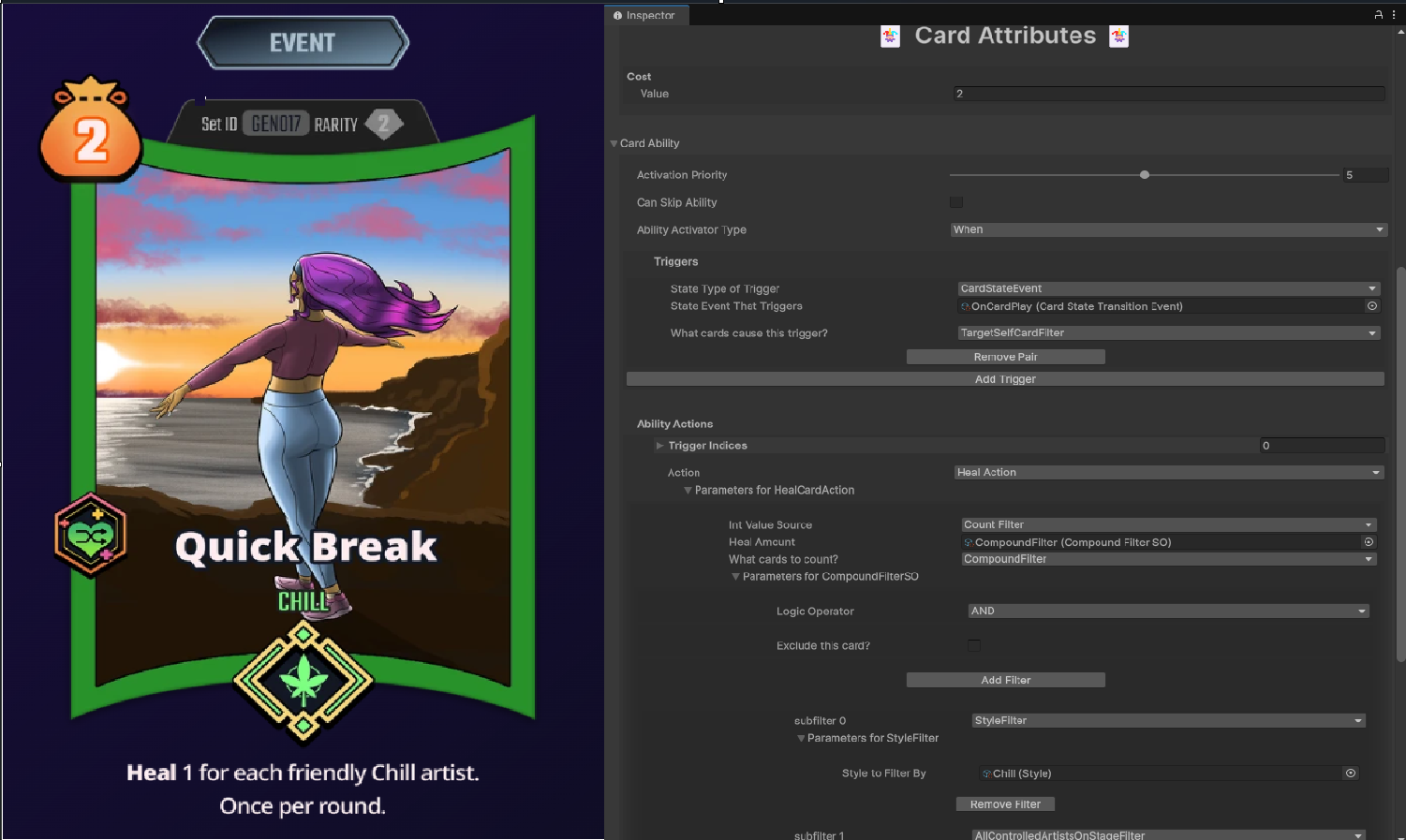
The Unity editor shows all actions/filters/conditions automatically, based on the interfaces above. Designers just pick from dropdowns and fill in params.
I run a small ASP.NET Core API in front of Edgegap so the Unity client only talks to our service, not Edgegap directly. That lets me hide tokens, control room naming, and swap infra later without a new client build.
What it does:
Webhook flow: Edgegap calls our "deployment-ready" endpoint → API completes the pending wait → then creates the actual session and returns it to Unity. That’s how I keep the client from polling Edgegap itself.
Config: app versions are pulled from a private GitHub repo and can be reloaded with by hitting our reload endpoint, so sessions always use the right build.
Registered with DI, CORS for Unity, forwarded headers for nginx, and a named HttpClient for Edgegap.
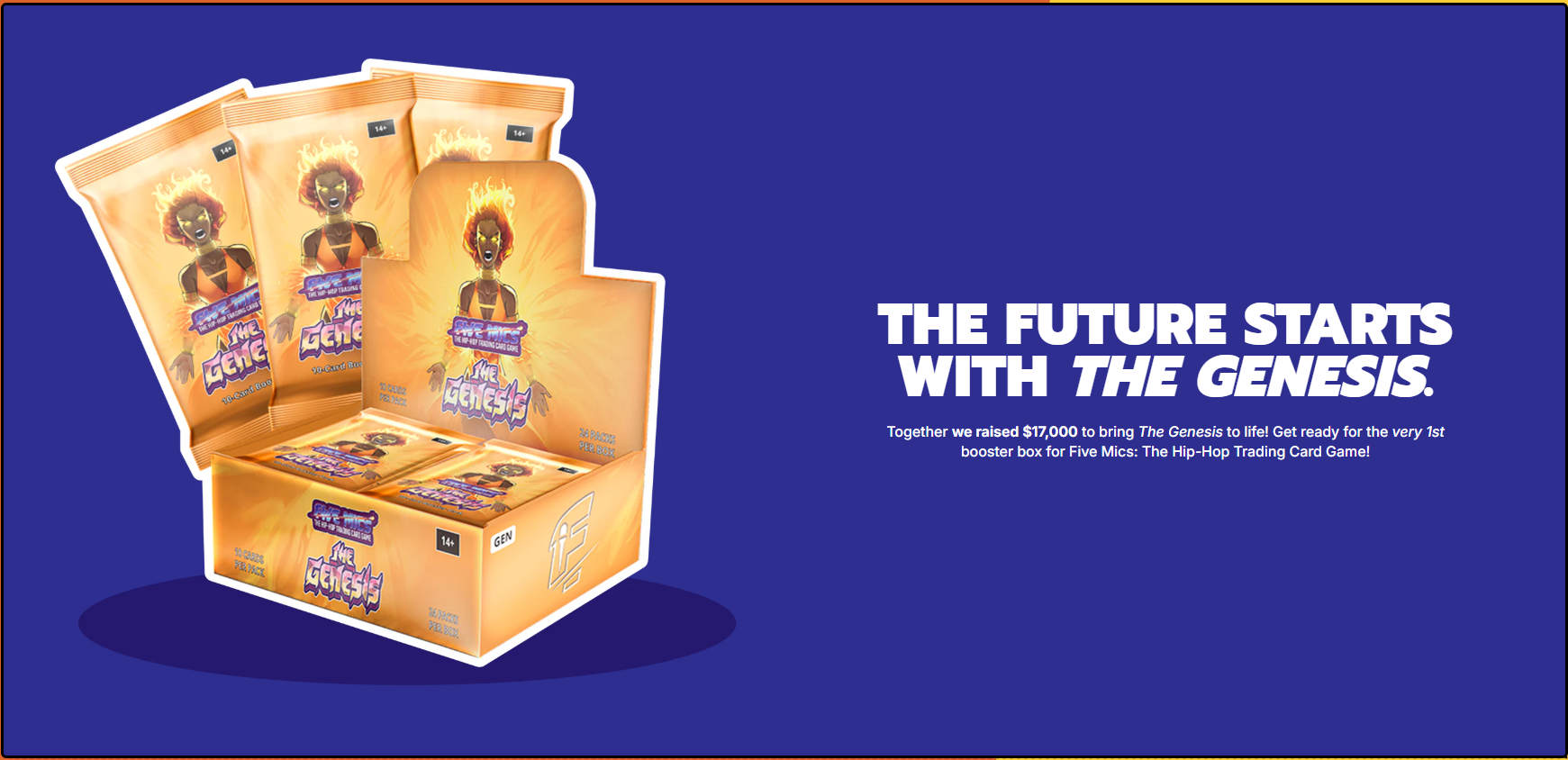
With the core systems in place, we were able to ship a multiplayer demo and fundraise.